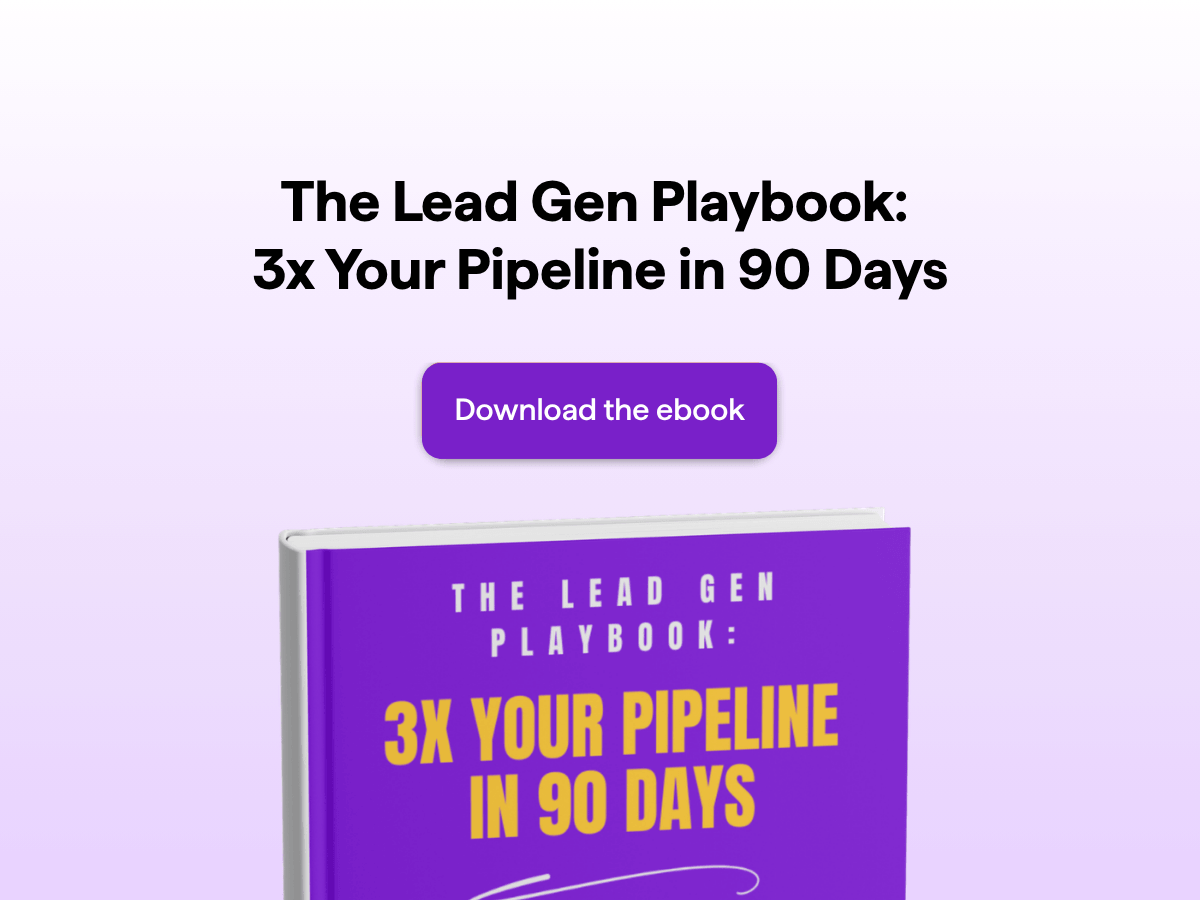
Template Overview
An ebook landing page exists for one job: trade a useful ebook for an email address, then move that lead into the next step of the funnel. This template gives you a single-outcome page with a headline, a book cover, a what's-inside section, social proof, author bios, and a contact form, plus a personalized thank-you screen that confirms the delivery. Use it to turn a finished ebook into a working lead magnet without piecing together a page builder, a form tool, and an email platform.
The page is fully editable inside the involve.me funnel editor. Use it to change the cover image, the headline, the what's-inside bullets, the testimonials, the author profiles, and which form fields you ask for. Add a newsletter opt-in checkbox so subscribers double as warm leads for your next campaign. Drop in conditional logic so the CTA jumps straight to the thank-you page once the form is filled. Connect the form submission to your CRM, your ESP, or a Slack channel so the file lands in the reader's inbox and the lead lands in your pipeline at the same time.
The template fits B2B marketing teams running content-led campaigns, expert-led businesses (coaches, consultants, course creators) building an email list with a flagship guide, and high-consideration product brands using an ebook to warm up educated buyers. Pair it with paid traffic, an organic content hub, or a social campaign and treat the ebook landing page as the conversion point that anchors the rest of the lead generation system.
Key Features
Embedded contact form: Capture name, email, and any custom fields you need (job title, company, phone). Validation blocks junk submissions before they reach your list.
Testimonial section: Show ratings and quotes from real readers above the form so the social proof carries weight at the moment of decision.
Author bio cards: Stack profile cards with photos, names, and short bios so the credibility of the people behind the ebook is visible on the page.
Opt-in newsletter checkbox: Add a separate consent checkbox for newsletter signup so the reader can take the ebook without being silently subscribed.
Personalized thank-you page: The confirmation screen greets the reader by first name using answer piping and reinforces that the ebook is on its way.
Benefits
Shrinks the gap between download and follow-up. The built-in email automation sends the ebook the moment the form is submitted and queues the next message in the sequence, so the reader never sits in a dead window.
Blocks junk submissions before they touch your list. Email validation, required-field logic, and the opt-in checkbox keep disposable addresses and accidental signups out of the database.
Puts social proof and authority above the fold. Testimonials, author bios, and reader counts sit on the same page as the form, so the case for downloading is already made when the visitor decides to fill it out.
Builds the list and segments it in one step. Custom fields and conditional logic tag each lead by job title, company size, or interest, so the follow-up sequence can be targeted from the first send.
Removes the page-builder + form-tool + ESP stack. The page, the form, the email delivery, and the analytics live in one funnel, so there's no Zapier glue and no broken handoff between tools.
Frequently Asked Questions
-
An ebook landing page is a single-purpose page that offers a free or paid ebook in exchange for the visitor's contact details. It strips out site navigation so the visitor has one decision to make: fill the form and get the PDF, or leave. A good ebook landing page summarizes the ebook, shows social proof, introduces the author, and asks for the minimum information needed to send the file and start the follow-up sequence.
-
Conversion rates vary by traffic source and offer quality, but free ebook landing pages typically convert at a higher rate than general landing pages because the visitor is already in research mode and the cost to download is just an email address. Pair the conversion rate with the email open rate and the downstream pipeline impact so you're optimizing for revenue, not for vanity opt-ins.
-
Yes. The thank-you page confirms that the ebook is on its way, gives the reader a download link as a backup, and is the natural place to offer the next step (book a call, take a quiz, see a product demo). The template ships with a personalized thank-you screen that greets the reader by first name and shows the ebook cover so the reader knows the right file is coming.
-
You have two options, and most setups use both. Option one: show a download link on the thank-you page so the reader gets the PDF on the spot. Option two: send the PDF as an attachment or a download link in the automated email that fires the moment the form is submitted. Sending by email is the option that gets used in real campaigns because it opens the email channel for the rest of the sequence.
-
Yes. You can set up a built-in email automation that triggers on form submission and sends a custom email with the ebook attached or linked. The same automation can queue a multi-step sequence (welcome, value email, soft pitch, call booking) so the reader gets a follow-up cadence without you wiring up a separate email service.
-
Yes. You can add a payment element and charge leads directly within the funnel, ideally after the form, so you capture their information even if they don't complete payment. involve.me processes payments through Stripe, PayPal, and Square. Stripe alone handles cards, EPS, iDEAL, and SEPA Direct Debit, so European buyers get local payment methods without a separate gateway.
-
Yes. The Connect tab inside the funnel editor lists 50+ native integrations, including HubSpot, Salesforce, ActiveCampaign, Mailchimp, Klaviyo, Pipedrive, Zoho, and Slack. Anything outside that list connects through Zapier or a webhook. Form fields map to CRM properties, so the lead lands in the right pipeline with the right tags. Keep in mind that involves.me comes with built-in email automation, so you might not need a separate email marketing platform.
-
The contact form runs email validation on submit, the required-field logic blocks empty entries, and the consent checkbox stops accidental signups. You can also add OTP email verification and block disposable emails. Finally, add a CAPTCHA or honeypot for paid traffic where bot signups are common. These together cut the volume of disposable-domain submissions reaching your list.
-
Yes. The template uses answer piping to greet the reader by first name on the thank-you screen and inside the follow-up email. The same variable system pulls company name, role, or any custom field the form collects, so the personalization carries into the rest of the sequence.
-
Yes. The default content speaks to B2B marketing managers and growth leads (testimonials from CMO and Growth Lead roles, author bios written as Head of Growth and demand-gen consultants), and the form supports the custom fields a B2B sales motion needs: job title, company name, company size. You can also block personal addresses in the funnel settings. Then plug it into a HubSpot or Salesforce pipeline, and the lead is ready for outreach the moment it lands.
-
Yes. The strongest ebook landing pages in B2B don't stop at the email capture. Add a few qualifying questions before the form (industry, role, company size, biggest challenge) and use the answers to segment the lead, personalize the follow-up sequence, or route high-intent prospects to a call booking link instead of an email.
-
High-ticket service businesses (financial advisors, insurance brokers, legal, real estate, mortgage, solar, med spas, education providers) where a single qualified lead is worth hundreds or thousands of dollars. Expert-led businesses (coaches, consultants, course creators) building an email list around a flagship guide. High-consideration product brands (B2B software, custom products, wellness) where buyers research before they buy, and an ebook is the natural first touch.


