Lead capture software that scores leads as they answer
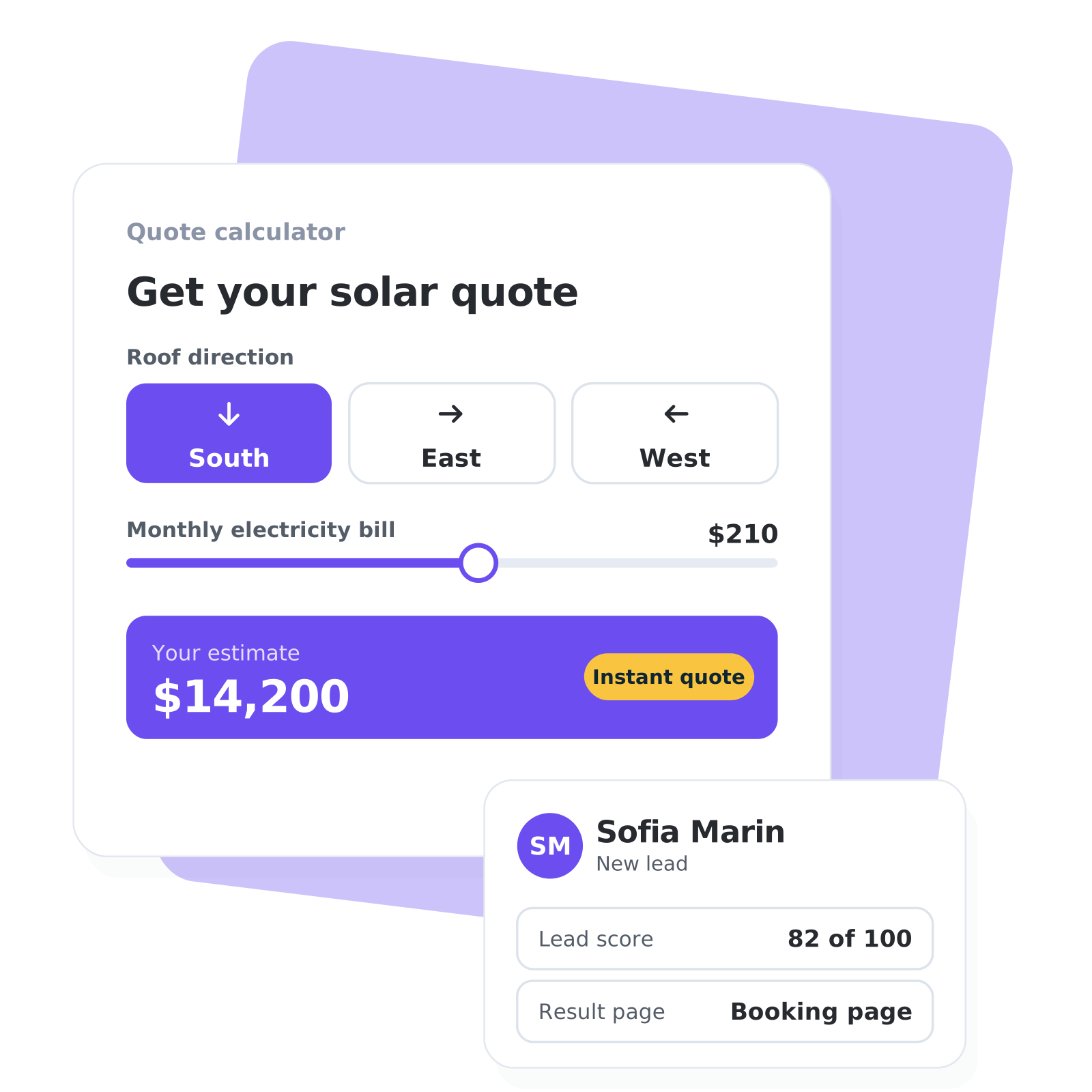
Ask on your website what you would ask on a sales call, in a quote calculator, an assessment, a product finder or an intake form. You decide what each answer is worth in points. High scorers get a page to book a call, low scorers get a guide with next steps, and the free CRM keeps each lead with the score and the answers you choose.
No credit card needed.


Trusted by 4,500+ businesses


“We use involve.me for everything (from recruiting to collecting NPS feedback). Our quiz-based lead scoring cut our sales cycle by 40%.”
Lead capture software for whatever you sell
Visitors answer your questions when they get something in return: a price, a score or a recommendation. Pick the format that gives it, build it as a funnel and publish it as a page or embed it on your site.
Quote calculators
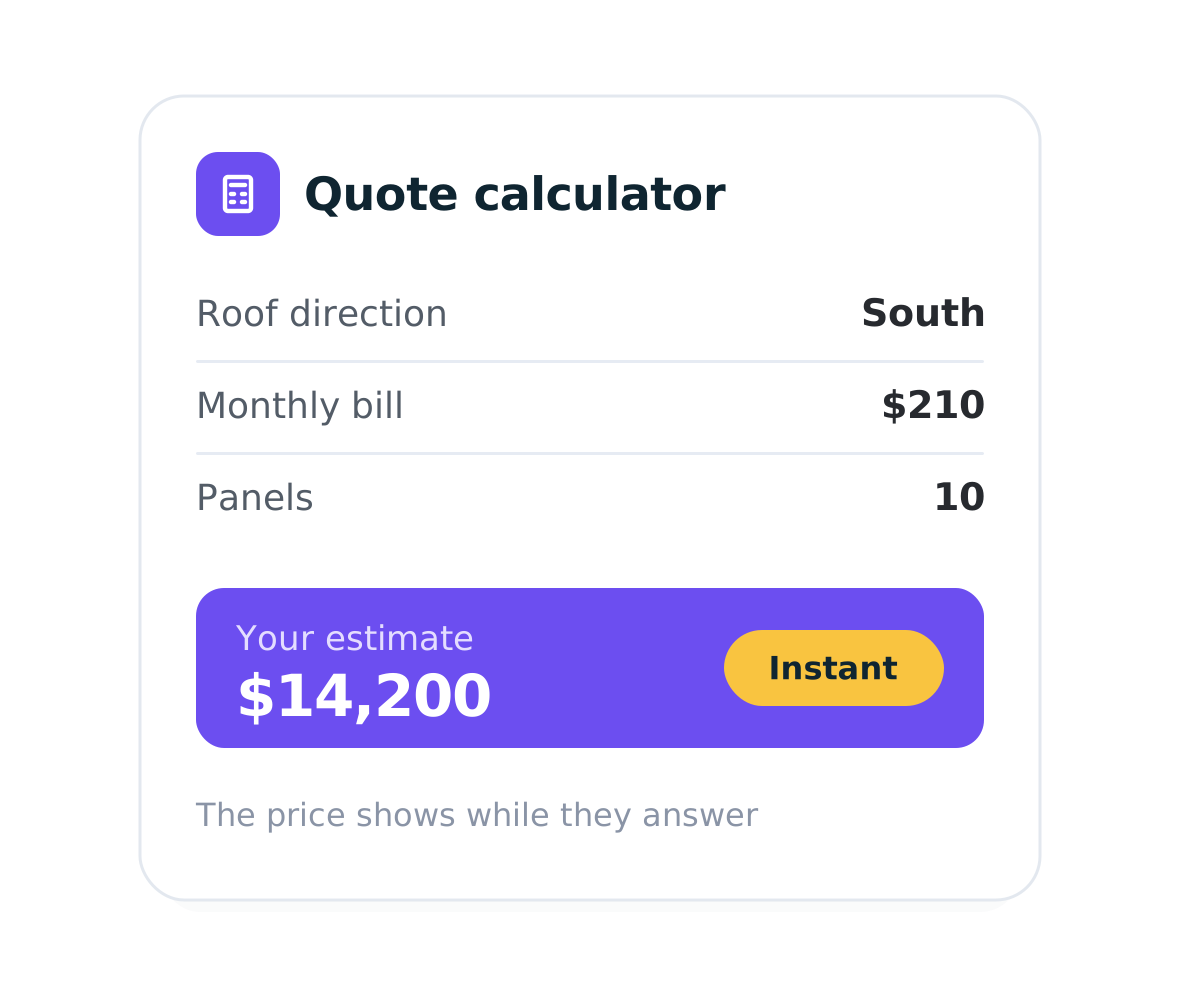
Price a job from your own formulas and show the quote on the spot, with a quote calculator for your website.
Assessments
Score the answers and show each lead a result with charts and tiers. Build a scored assessment to see who is ready to talk.
Product finders
Ask what a buyer needs and match them to the right product or plan with a product recommendation quiz.
Intake forms
Collect details, documents, signatures and deposits before the first meeting. Start with a client intake form.
Quizzes
Turn a few questions into a result people want and a lead you can sort. See how a lead generation quiz works.
Forms and pop-ups
For the simple cases: a contact request, a demo form, a callback. Build interactive lead forms in minutes.
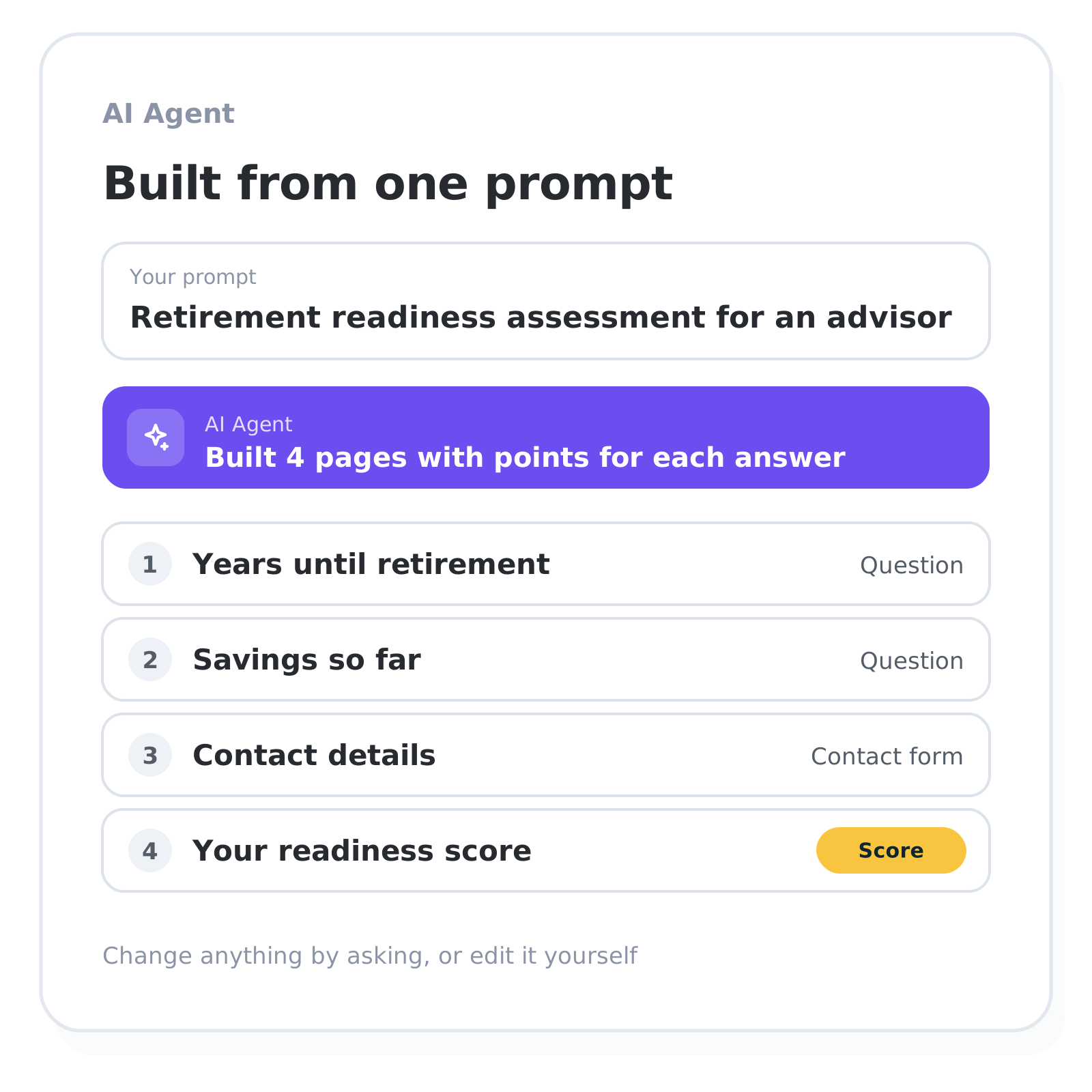
Let the AI Agent build the first version
Describe what you sell and who you want to reach. The AI Agent drafts the pages, the questions and the points for each answer.
Start from a prompt or a template
Ask the AI Agent for changes in plain words
Start a funnel from an AI assistant such as ChatGPT or Claude and ask there how it performs
Edit every page yourself in the drag-and-drop editor
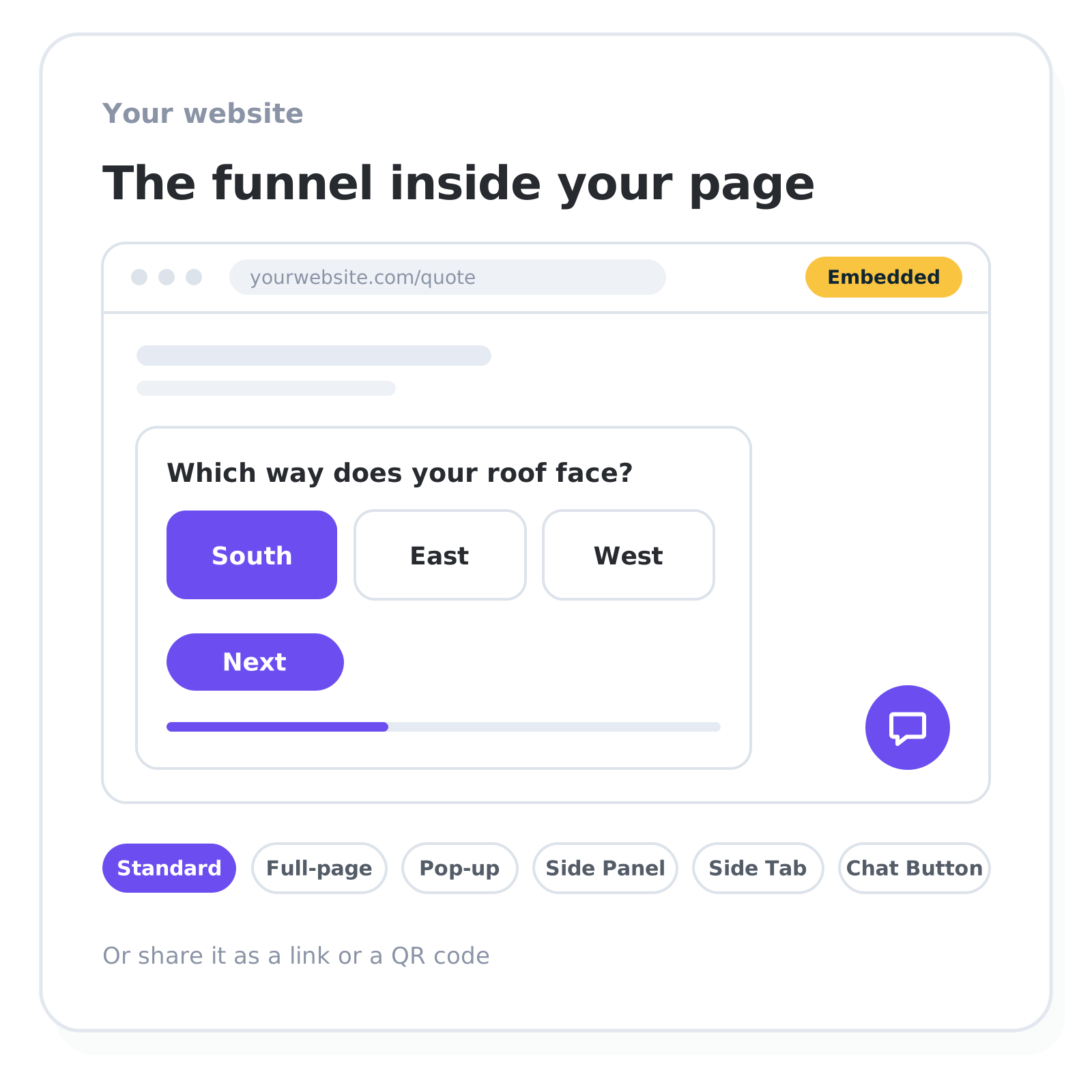
Add it to your website
Embed it in your website, in the page itself or as a pop-up that opens on a timer, on scroll or on exit intent. Every funnel also gets its own link.
Inline, full page, pop-up, side panel, side tab or chat button
Share the link or a QR code, or publish on your own domain
Track results with Google Analytics, Google Tag Manager and the Meta, TikTok and LinkedIn pixels
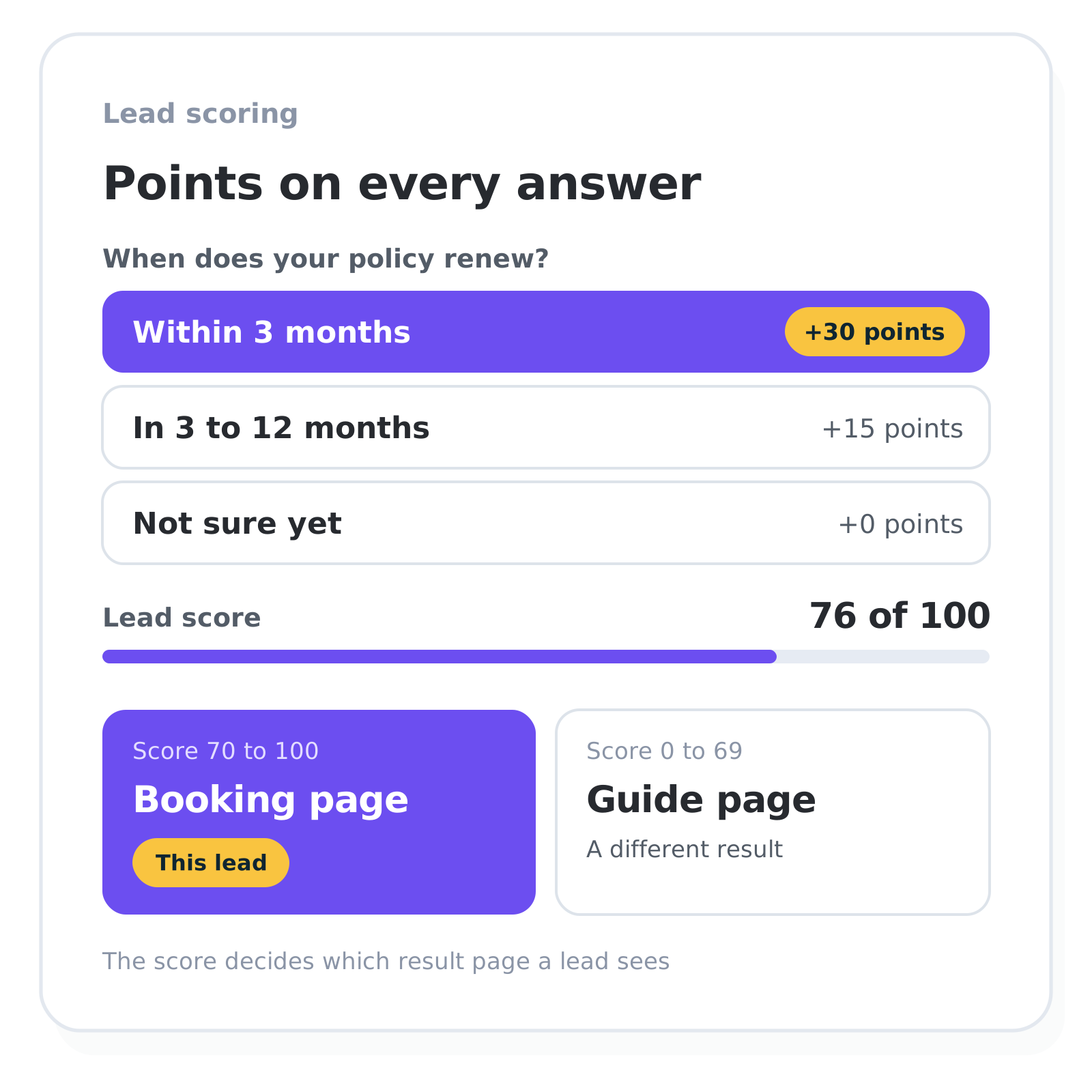
Lead scoring on every answer
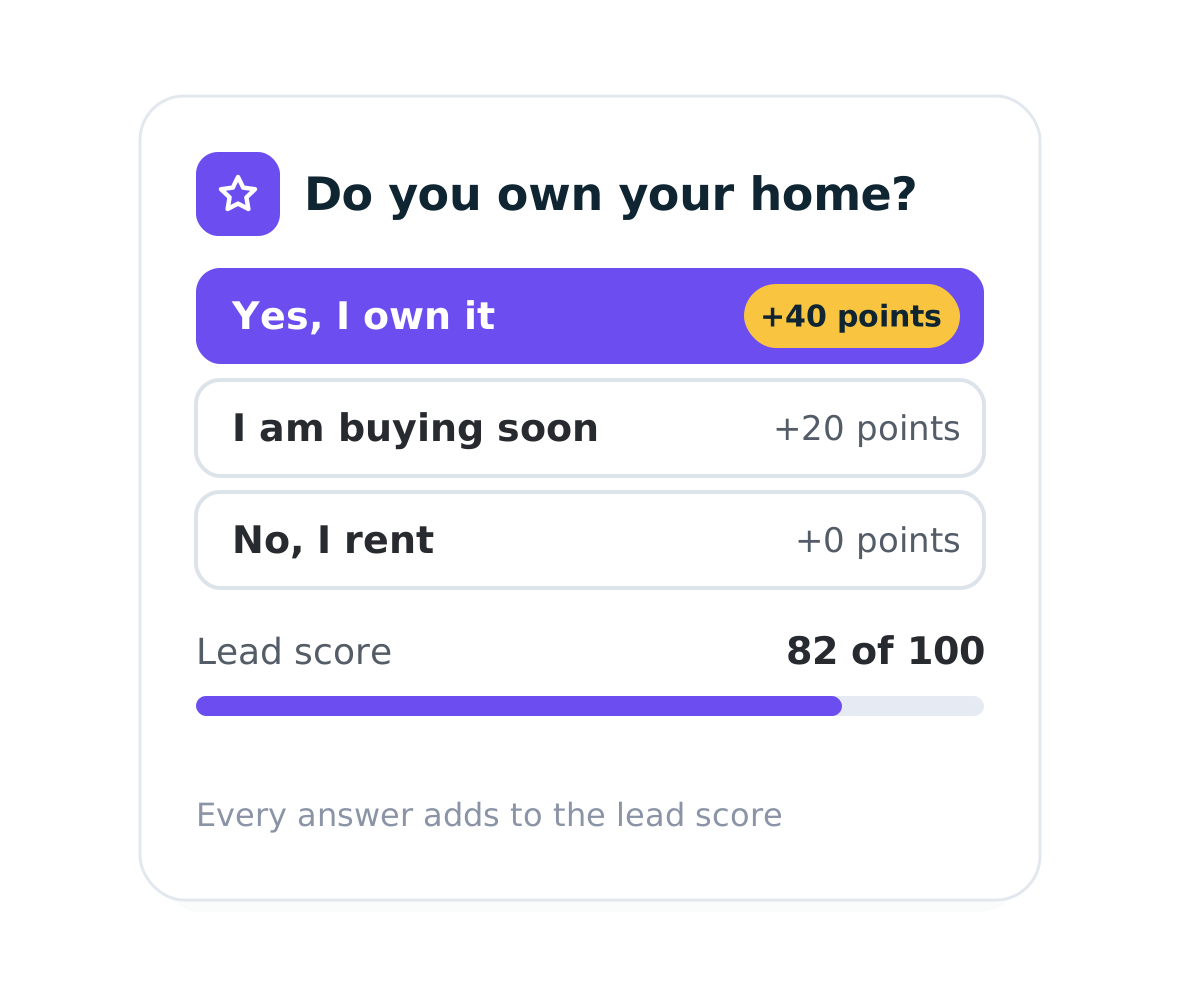
Assign points to any answer and let the score build as a respondent moves through the funnel. Score-based Outcomes then decide which result page each lead sees.
Score by category and show the result as a chart
Show high scorers a booking page with your Calendly or Cal.com calendar
Add the lead's source: UTM values arrive as hidden fields
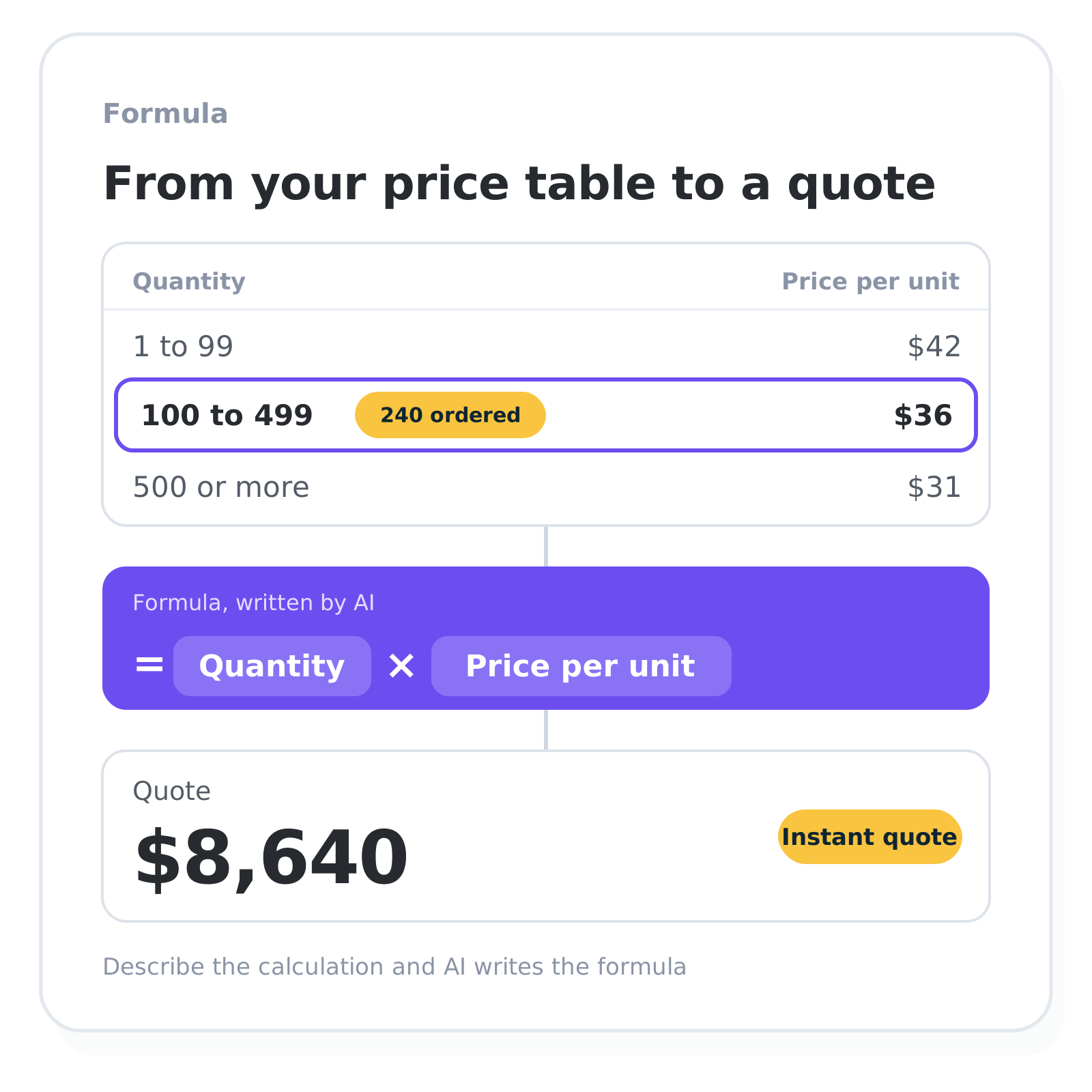
Build quotes and qualification logic with formulas
A full formula engine turns raw answers into qualification scores, price quotes and recommendations. Describe the calculation and AI writes the formula.
VLOOKUP pulls values from your own price tables
Nested IF, AND and OR handle multi-variable scoring
Reusable global formulas apply across the whole funnel
Build an interactive calculator that shows the result live
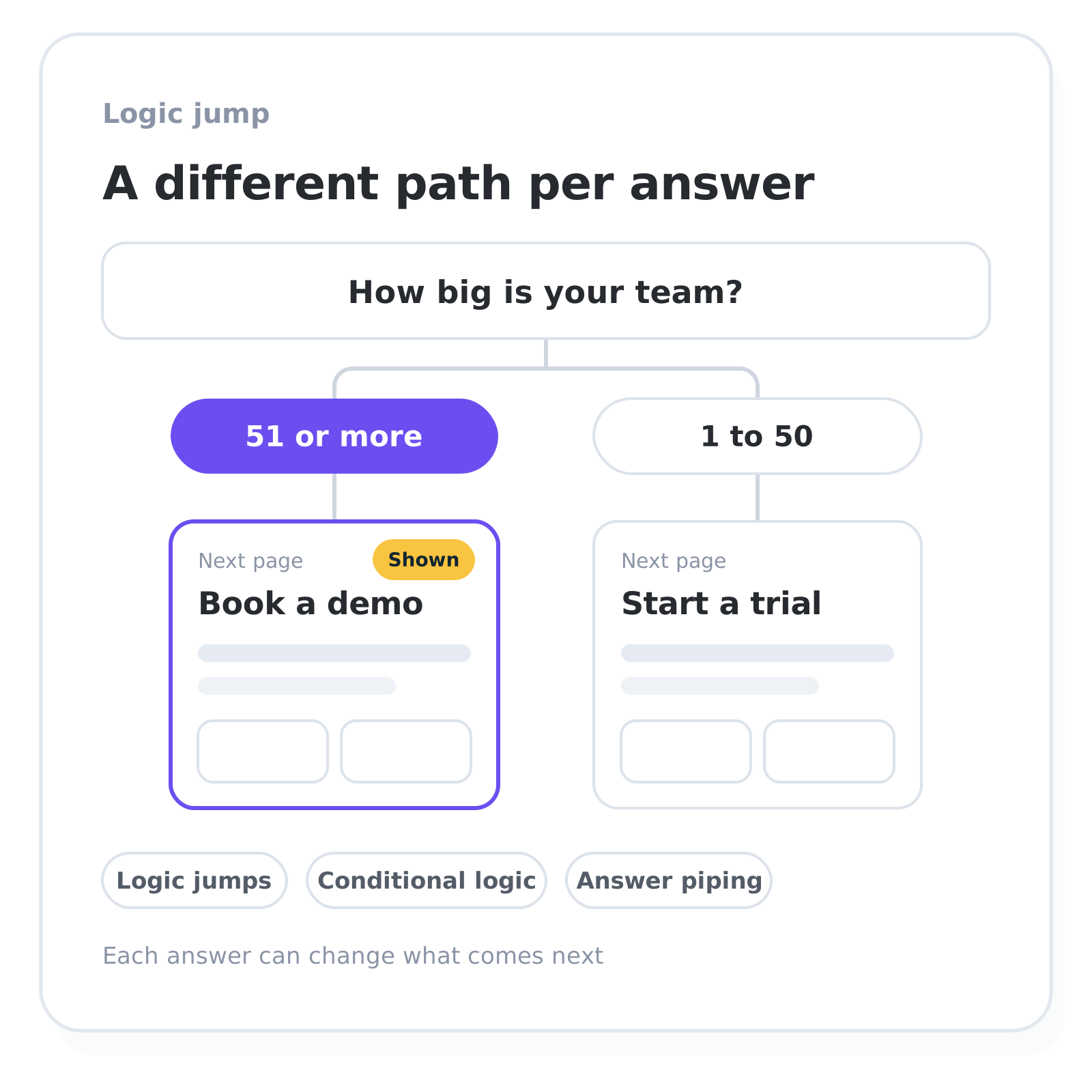
Personalize each respondent's path
Every answer can change what a respondent sees next, so the funnel qualifies harder the further someone gets into it.
Logic jumps route each answer to a different page
Conditional logic shows or hides elements per response
Answer piping pulls earlier answers into later steps
SOC 2® Type II audited and GDPR-compliant by design


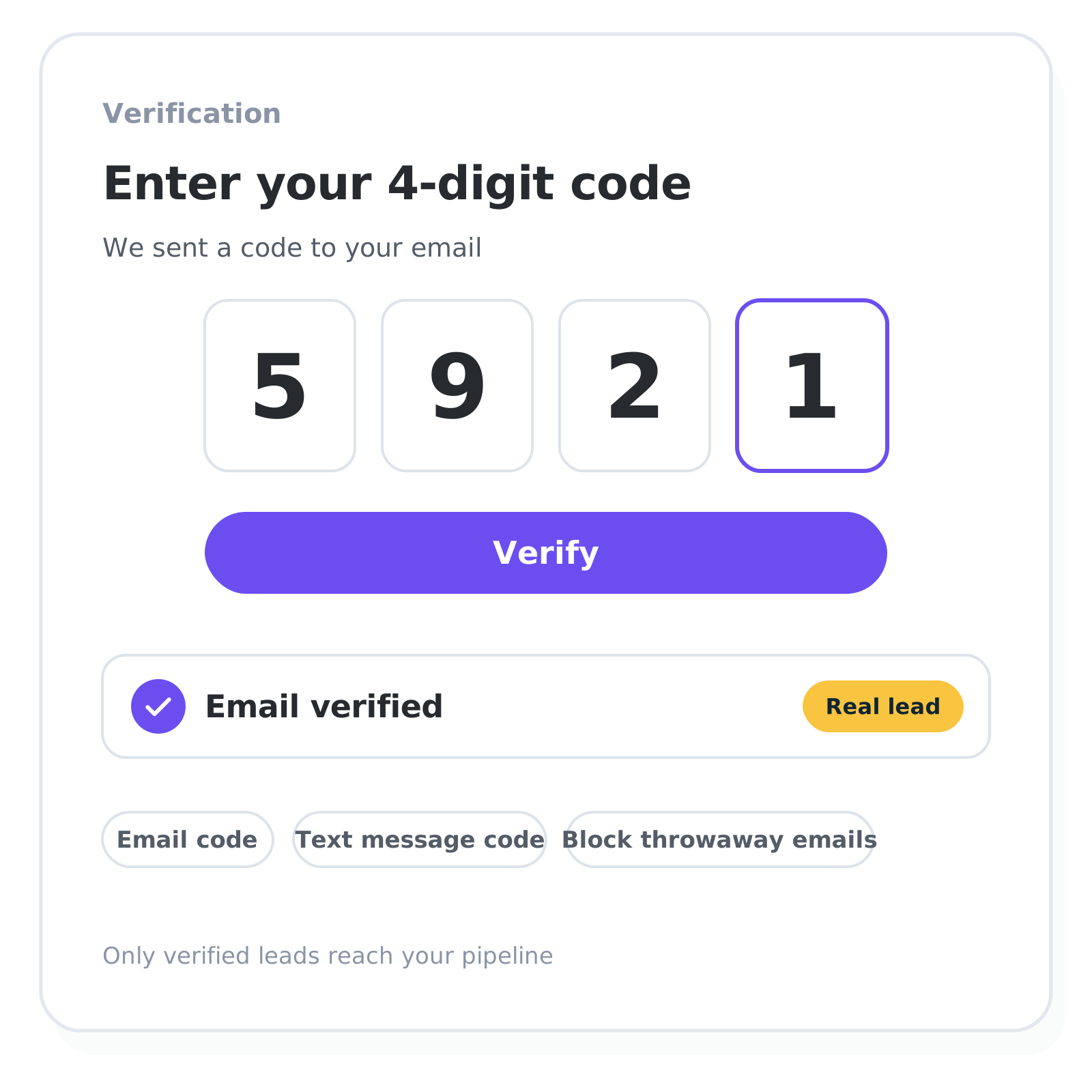
Verify each lead before it is saved
OTP verification confirms each email address or phone number before the lead is saved, so fake contact details stay out of your pipeline.
One-time codes by email or text message
Block disposable and personal email addresses
CAPTCHA and limits on repeat submissions keep bots and repeats out
Phone numbers are checked against the country format
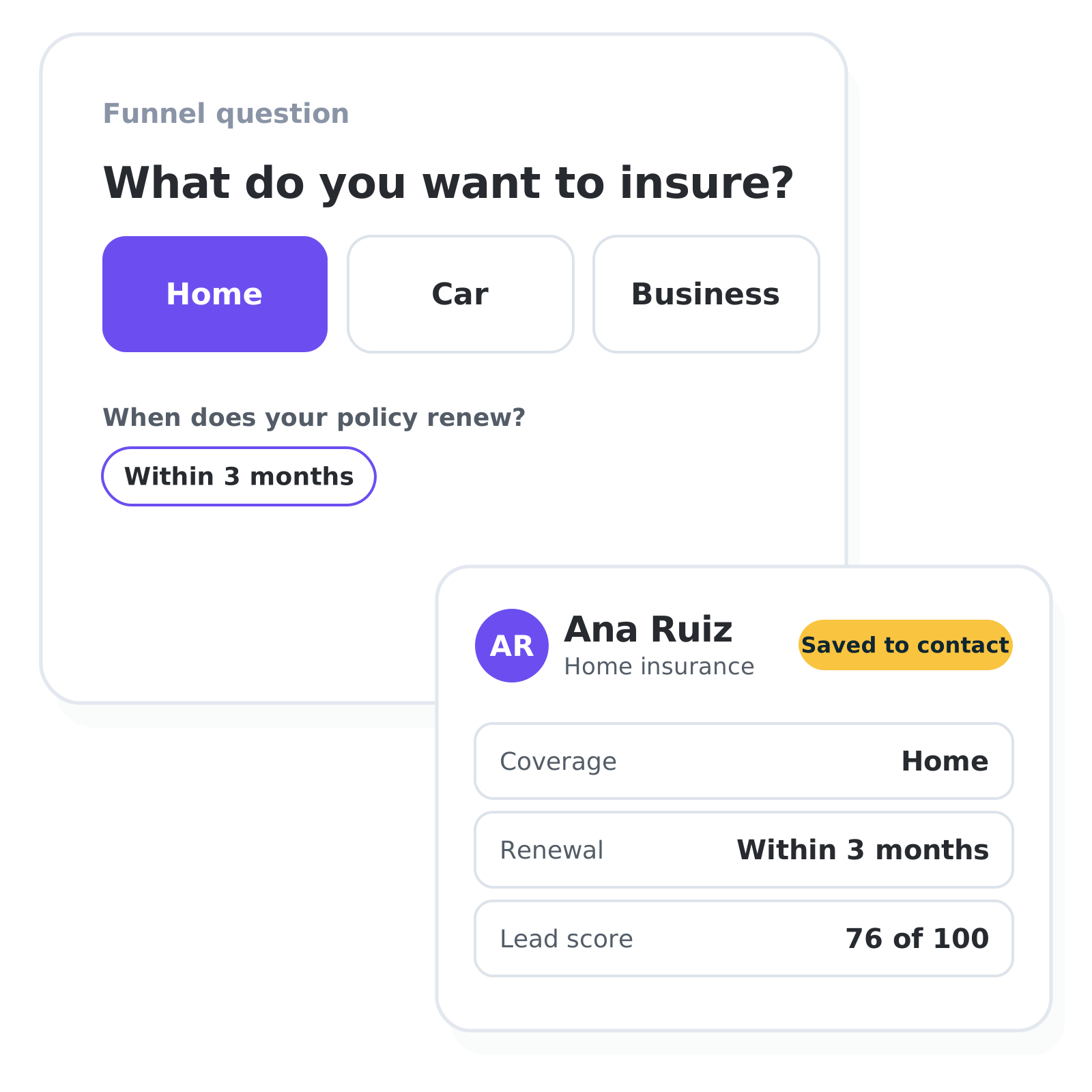
From the last question into the free CRM
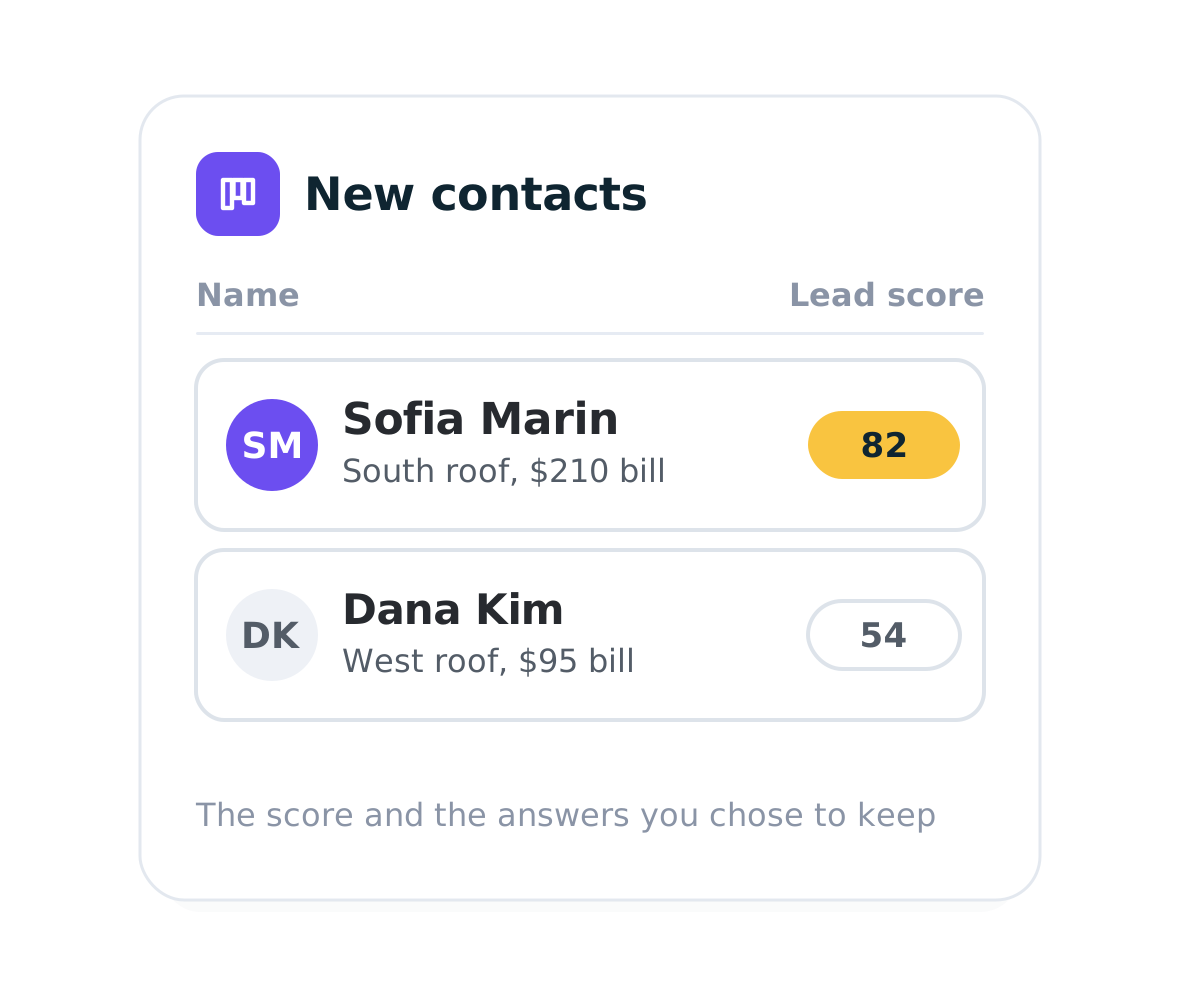
Each submission with an email becomes a contact. Choose once per funnel which answers and scores to keep, and every new lead carries them. From there the free CRM gives you a pipeline board, an owner for each lead and comments.
Free CRM with a pipeline board, on every plan
Email workflows assign each lead and send email sequences that branch on score and outcome (on paid plans)
Integrations
Already use a CRM? It works next to it


What it asks and who gets a call, by industry
Built for high-ticket service businesses and high-consideration product businesses, where every qualified lead is worth hundreds or thousands of dollars.
Insurance agencies and brokers
A scored intake form asks coverage type, household and current insurer. Strong leads see a booking page.
Financial advisors and planners
A retirement readiness assessment scores assets and timeline. Leads above your minimum book a call.
Solar installers and dealers
A savings calculator takes roof size and energy bill and shows the payback. Renters see a guide.
IT service providers
A security assessment scores each answer and shows the gaps as a chart. Company size and urgency add to the score, and the score decides who gets the sales call.
Manufacturers and suppliers
A product configurator turns specs and quantity into a price range from your own price tables.
B2B software companies
An ROI calculator shows the saving and asks team size and budget. Enterprise leads book a demo.
Building funnels for clients? See involve.me for marketing agencies.
Lead capture and qualification FAQ
-
Lead capture software collects a website visitor's contact details together with what they are looking for. In involve.me the same questions carry points, so each lead reaches you with a score next to its contact details.
-
Lead qualification is scoring and sorting incoming leads by fit and buying intent. In involve.me it happens inside the funnel: each answer feeds a score, and the funnel routes every respondent based on the result.
-
Assign points to any answer. Score-based Outcomes then send high scorers to a booking page and the rest to another result, and segments in the CRM group leads by score. All of that is on the free plan. On paid plans, logic jumps, conditional logic and a formula engine grade leads on more than points.
-
Scoring, result pages by score and the CRM are on the Free plan. Quote calculators, logic jumps, email workflows and an email alert for each new lead start on Start ($29 a month, billed yearly). Hidden fields, CAPTCHA and the HubSpot, Pipedrive and ActiveCampaign integrations start on Grow ($69). One-time-code verification, e-signatures, Salesforce and webhooks are on Scale ($139). Paid features can be tested in a draft funnel before you upgrade. The pricing page lists what each plan includes.
-
Yes, on the leads your funnels capture: up to 25 a month on the Free plan, more on paid plans. The CRM itself stores as many contacts as you have on every plan, and contacts you import or add by hand never count toward the limit.
-
Unlike form and quiz tools that capture a lead and hand it off, involve.me captures, qualifies and follows up with every lead in one platform, with its own free CRM. The score is built from the lead's own answers and stays on the contact, so qualifying a lead needs no second tool. See involve.me next to Typeform.
-
Yes. Integrations send each lead with its answers and score to HubSpot, Pipedrive, ActiveCampaign, Zoho CRM and Slack from the Grow plan, and to Salesforce on the Scale plan, on every submission. Google Sheets connects from the Start plan, and so does Zapier, which reaches thousands of other apps. Webhooks on the Scale plan cover custom systems. Calendly and Cal.com calendars sit on any result page.
-
OTP verification by email or text message confirms each contact before the lead is saved. It is on the Scale plan, and codes by text message use your own Twilio account. From the Grow plan you also block disposable and personal email addresses and add a CAPTCHA.
-
Yes. Connect involve.me to ChatGPT or Claude, then create, edit, publish and track funnels from a chat. The assistant asks before anything goes live. Every lead from those funnels lands in the same free CRM as the rest of the account.
-
AI can build a quiz, form or calculator in an afternoon, and involve.me's AI Agent does that too. The hard part is everything behind it: a secure database for your leads, a CRM that keeps each contact's answers and score, email sequences that land in the inbox, integrations that keep working, and security updates that never stop. involve.me is the lead capture, CRM and email workflow automation platform. Our team runs and maintains all of it for you. It's SOC 2 Type II audited and GDPR-compliant. We explain the risks of vibe coding in detail, with sources.